Quick Answer
MealPal helps you save money on restaurant meals by letting you reserve meals for less than their regular retail price. Members purchase credits through a MealPal subscription and use those credits to reserve meals at participating restaurants. Different meals require different numbers of credits, so you can choose meals based on your preferences, budget, and how much you want to save. You will always be saving money on your MealPal meal when compared to the meal at its retail value.
How does MealPal help you save money?
MealPal helps restaurants save on their labor costs, and passes these savings along to their customers. Instead of paying the restaurant's normal price each time you buy lunch, you purchase MealPal credits through a subscription and use them to reserve meals from participating restaurants.
Each meal has a credit price displayed in MealPal. The number of credits required depends on the restaurant and meal you choose.
Because different meals require different amounts of credits, you have flexibility in how you use your balance.
For example, you might choose a lower-credit meal when you want to stretch your credits further, or select a higher-credit meal that offers particularly strong savings compared with its retail price.
How much can you actually save with MealPal?
MealPal members save up to 50% on lunch at participating restaurants.
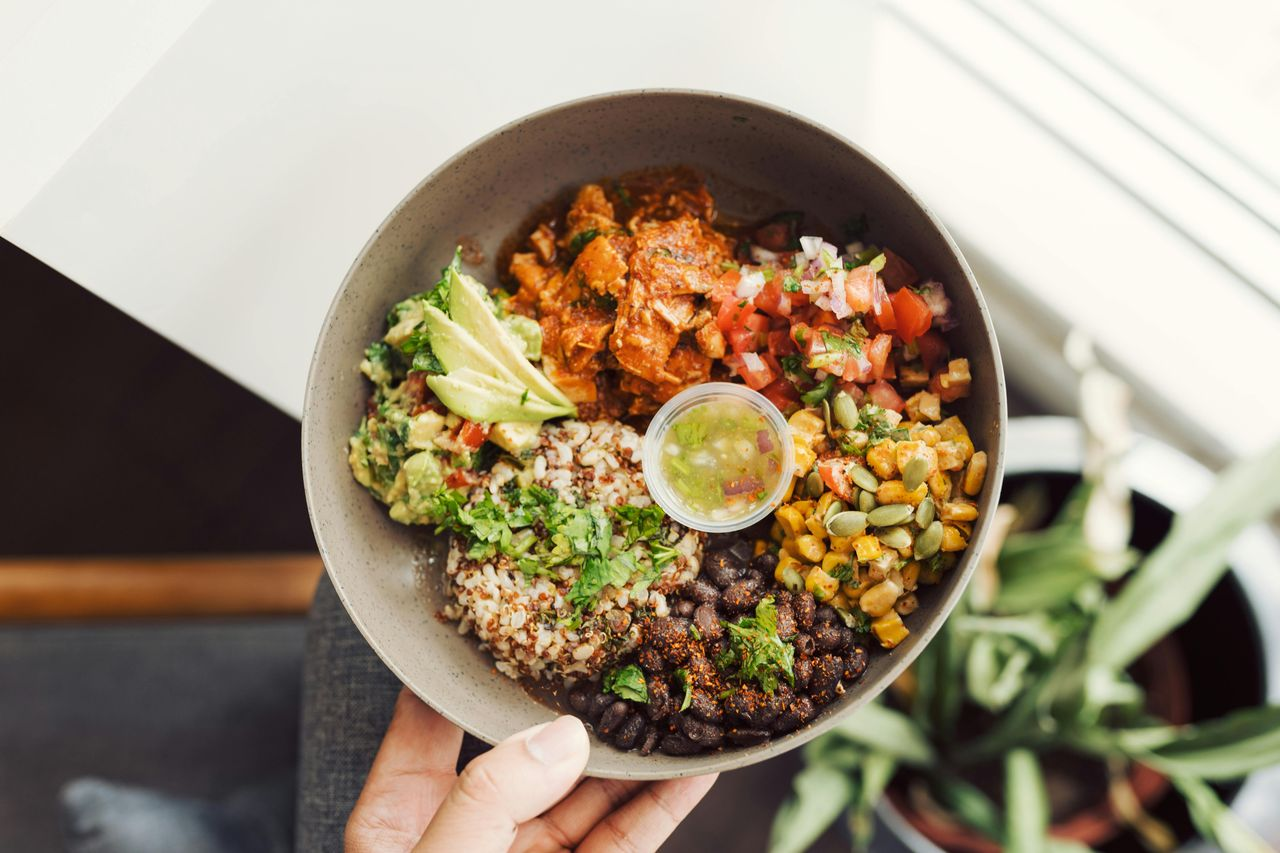
For example, you can get sweetgreen's Harvest Bowl, which retails for $16.27, for $11.35 through MealPal. This is a savings of $4.92 or 30% less than the retail price! However, a higher-priced meal is not automatically a better value. The important comparison is how much the meal costs through MealPal relative to its regular retail price.
For a detailed analysis, see How Much Does MealPal Save?
How do you find meals with the biggest savings?
MealPal makes it easy to see exactly how much you're saving on lunch.
When browsing meals in your MealPal account, you can see the savings percentage associated with each meal, so you can compare options and find the best deals before reserving.
Some meals offer bigger discounts than others, with savings of up to 50% off regular retail prices.
Whether you're looking for your favorite lunch or want to discover a new restaurant, checking the savings percentage helps you make the most of your MealPal credits.
And remember, every dollar you save brings you closer to your next MealPal Savings Level!
What are MealPal savings levels?
Savings Levels are a fun way to track how much money you've saved since joining MealPal.
Every meal you reserve through MealPal costs less than its regular retail price. As your total savings increase, you unlock new levels and earn recognition for reaching different milestones.
Whether you've saved your first $20 or reached $5,000 in total savings, there's a level to celebrate your progress.
What Are the seven MealPal savings levels?
MealPal has seven savings levels, each with its own milestone and badge.
1. 👍 Savings Newbie
Milestone: Join MealPal
Everyone starts as a Savings Newbie when they join MealPal. Your savings journey begins with your first meal.
2. 🏅 Savings Rookie
Milestone: Save at least $20
You've officially started building up your savings. Reaching $20 shows how quickly a few discounted lunches can add up.
3. ⭐ Savings Apprentice
Milestone: Save at least $100
You've saved your first $100 compared with regular restaurant prices. That's a meaningful milestone for anyone who regularly buys lunch.
4. 🏆 Savings Pro
Milestone: Save at least $500
You've reached $500 in cumulative savings. That's money you've kept in your pocket by reserving meals through MealPal instead of paying their regular retail prices.
5. 🥇 Savings Expert
Milestone: Save at least $1,000
Four figures in savings! Reaching Savings Expert means your MealPal meal discounts have added up to at least $1,000.
6. 🏆 Savings Superstar
Milestone: Save at least $2,500
You've reached an impressive $2,500 in cumulative savings. Your everyday lunch choices have added up to a substantial amount.
7. 👑 Savings Legend
Milestone: Save at least $5,000
The highest MealPal Savings Level! Savings Legend recognizes members whose cumulative savings have reached $5,000 or more compared with regular retail meal prices.
How do you move up through savings levels?
Your Savings Level is based on the total amount you've saved through MealPal.
For example, if you save $5 compared with the retail price of a meal, that $5 contributes toward your cumulative savings.
As you continue reserving meals, your savings add up toward the next milestone.
And you don't need to start over after reaching a new level. Each milestone builds on the savings you've already accumulated.
Where can you see your MealPal savings level?
You can view your savings progress in the MealPal app.
Navigate to My Account and open Savings Levels to see the seven levels, their savings milestones, and your progress.
Each level has its own badge, from the Savings Newbie thumbs-up to the Savings Legend crown.
Does choosing a larger MealPal plan help you save more?
A larger credit plan may offer a lower effective cost per credit, depending on the available plan pricing.
For example, take a look at the standard plan offerings:
- 120 credits for $139 + taxes and fees: This comes out to be approximately $1.16 per credit.
- 70 credits for $89 + taxes and fees: This comes out to be approximately $1.27 per credit.
- 35 credits for $49 + taxes and fees: This comes out to be approximately $1.40 per credit.
The savings do increase the larger the credit plan you select.
However, a larger plan is only a good value if you use the credits you purchase.
If you regularly buy restaurant lunch throughout the workweek, a plan with more credits may fit your routine.
If you buy lunch less frequently, a smaller plan may be more appropriate.
The goal is to choose a plan that gives you enough credits for the meals you want without consistently leaving credits unused.
What happens to savings if you don't use all your credits?
Eligible unused MealPal credits can roll over for one additional consecutive Membership Cycle, up to the number of credits included in the plan you are renewing to.
However, credits cannot roll over indefinitely. If you put your membership on hold, unused credits expire and do not roll over when you return.
That means using your purchased credits is an important part of getting the full value of your subscription.
For more details, see Do MealPal Credits Expire?
Is MealPal cheaper than ordering delivery?
MealPal meals are priced below their regular retail rates, while delivery orders may include additional fees and tips.
As a result, the difference between MealPal and the total cost of a delivered restaurant meal can be larger than the savings compared with retail alone.
However, the exact difference depends on the restaurant, meal, delivery platform, fees, and any applicable promotions.
For specific comparisons, see MealPal vs DoorDash and MealPal vs Uber Eats.
The bottom line
MealPal is designed to help you spend less on restaurant meals.
Every meal reserved through MealPal costs less than its regular retail rate, and some meals offer particularly large dollar savings.
The best way to take advantage of MealPal savings is to compare the value of different meals, choose a credit plan that fits your routine, and use the credits you purchase.